Educational overview only. Prudent Guardian (www.inspirecodingedu.com) is not an insurance company, broker, law firm, or registered investment adviser, and does not provide personalized insurance, investment, tax, medical, or legal advice. Verify details with licensed professionals and official issuers.
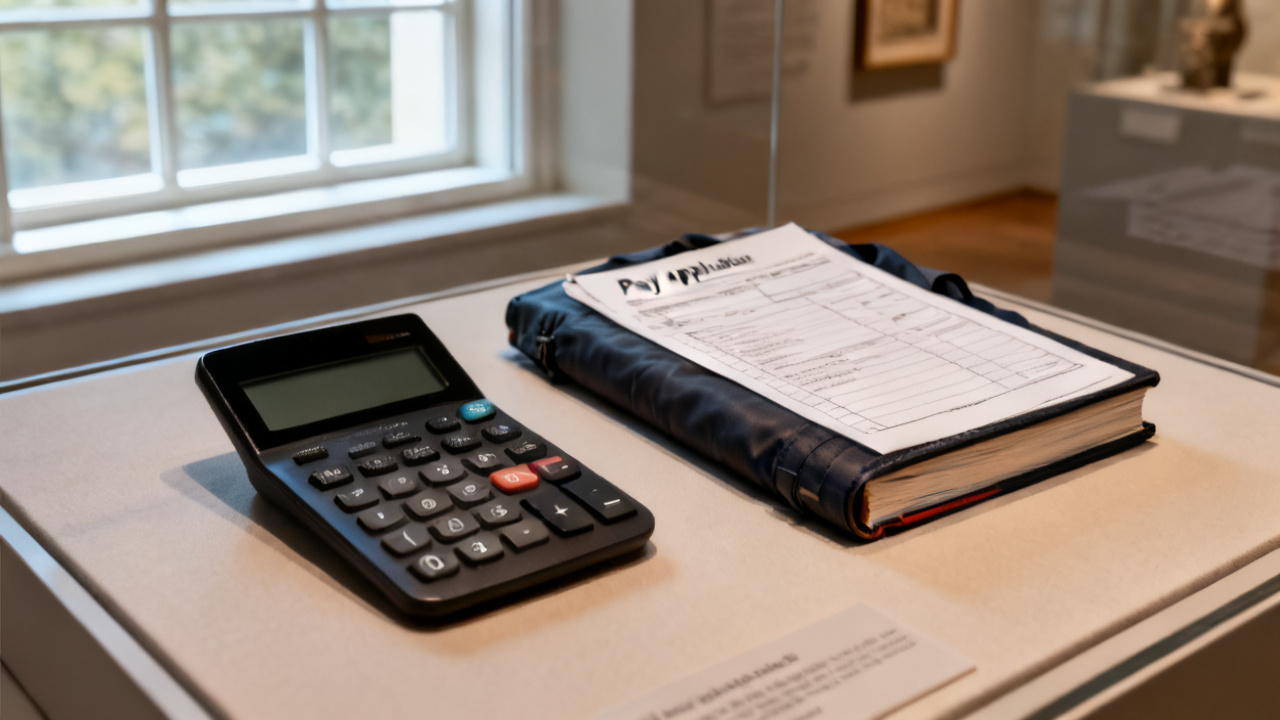
The continuation sheet is long. The total does not match the cover. You flip between the two pages twice, finger tracing the bolded grand total on the cover then the sum of line items on the sheet, to make sure you didn’t misread a digit or skip a row. The sun slants through the office window right over the top of the page, washing out a few printed lines, so you lean in and adjust the papers to cut the glare.
Line Item Cross-Reference Check
You start at the top of the continuation sheet, working your way down one line at a time instead of jumping straight to the total, because small errors across multiple lines often add up to the larger gap you see between the two documents. Each entry should tie to a pre-approved work phase, material cost, or labor allocation outlined in the original pay request package, so you flag any line that does not have a matching entry on the cover before you dig into math checks. Illustrative example: A line item for $14,278 marked “site grading adjustment” has no corresponding entry on the cover sheet’s listed work phases, so you mark it with a neon sticky note to review first. You set all flagged lines to the side temporarily so you can first rule out simple administrative errors before chasing down context for unlisted work.
Discrepancy Source Triage
You sort the flagged entries by category first to streamline your review: unlisted scope, duplicated charges, unit cost mismatches, and addition errors. Common mismatches come from last-minute change orders that were added to the continuation sheet but never updated on the cover, or formatting errors where a line item is accidentally added twice when the document is exported for printing. You separate the errors into two buckets: those that require external confirmation from someone on the project team, and those you can fix immediately with the backup you already have on hand. That way you don’t waste time chasing down confirmations for simple typos you can correct right now, like a duplicated erosion control charge that appears on both line 19 and line 42 of the sheet.
Math Verification Breakdown
You run a line-by-line math check for every entry on the continuation sheet, even if no discrepancy is obvious at first glance, to catch small errors that add up to the total gap. You cross check each unit price against the approved schedule of values for the project, and each quantity against delivery receipts or time log totals to make sure every number is supported by existing documentation. You track your progress with the following cross-check structure:
| Line Number | Stated Amount | Verified Amount | Discrepancy Note |
|---|---|---|---|
| 12 | $3,200 | $2,300 | Unit cost for asphalt listed as $160/ton instead of verified $115/ton for 20 tons |
| 27 | $9,400 | $9,400 | No discrepancy, matches submitted labor time logs for crew 2 |
| 31 | $14,278 | $0 | Unlisted work phase, no pre-approval on file for the grading adjustment |
| 42 | $7,150 | $6,050 | Duplicate charge for erosion control mats, already billed in line 19 |
The net difference between the original continuation sheet total and the verified sum of line items gives you a clear picture of how much of the gap comes from administrative errors vs unapproved work entries.
Adjustment Documentation Steps
You follow a consistent process to document all changes so anyone else on the project team can understand your adjustments without asking for extra context:
- Attach a dated, typed note to each flagged line item that cites the backup document you used to verify the adjusted amount, including the date of the pre-approval or receipt if applicable.
- Adjust the running total of the continuation sheet to reflect all verified line item amounts, and note the new total at the bottom of the sheet in dark blue ink so it stands out from the original printed text.
- Add a one-paragraph note on the cover sheet that lists the total number of adjusted line items, the net difference between the original continuation sheet total and the verified total, and the date you completed the cross-check.
- Save a scanned copy of both the marked-up continuation sheet and cover sheet to your project folder, labeled with the pay period and the date of the discrepancy check.
- Share the marked-up copy with the project foreman to confirm any unlisted work items were pre-approved verbally before you make any final changes to the submitted pay request.
You can log the adjusted total and supporting notes to your project’s pay request tracking tool, Draw Jacket, to keep all related documentation in one accessible spot.
Current Session Wrap-Up
You set the marked-up continuation sheet and cover sheet in your “pending review” tray, right next to the rest of the pay request backup documents. You push the tray to the corner of your desk so it doesn’t get mixed in with other incoming project paperwork, and delete any temporary notes you jotted on scrap paper so you don’t rely on incomplete records when you pick the review back up. You don’t need to finish the entire review in one sitting, as long as you clearly mark where you left off and keep all related documents in the same spot so you don’t lose any of your notes when you return. This reading is done, and you can step away from your desk for a break or move on to other tasks without leaving loose ends on this pay request.
Future Session Opening Action
When you return to your desk and open this same page next, you first pull any new feedback from your email or project messaging tool before you touch the continuation sheet, so you have all relevant context before you make any final changes. If the foreman confirms the unlisted grading work was approved during the weekly site walk, you will attach a copy of the meeting minutes where that approval was noted to the backup folder, and update the verified amount for line 31 to the full $14,278. If the work was not approved, you will note that exclusion clearly on the continuation sheet, so the general contractor can see exactly why the total is lower than the original printed amount. You will also run a final sum of all verified line items three times, to eliminate any chance of addition error, before you update the cover sheet total to match. Once both totals align, you can prepare the final pay request package for submission.