Educational overview only. Prudent Guardian (www.inspirecodingedu.com) is not an insurance company, broker, law firm, or registered investment adviser, and does not provide personalized insurance, investment, tax, medical, or legal advice. Verify details with licensed professionals and official issuers.
Someone added retainage to the exception lines. You are reading that line. You lean forward, squinting at the scrawled handwriting that crosses out a faint pre-printed “miscellaneous adjustment” note above the blank line to fit the retainage entry. The date next to the entry matches the date you submitted your last pay application for the west wing framing scope, and there are no extra notes, supporting attachments, or second signatures attached to the entry to explain its inclusion. You reach for your ballpoint pen, hovering over the empty margin next to the line for a few seconds before pausing to work through the full context of the document first, so you do not make a hasty note that misses key context.
What this pay exception document lists
You scan the rest of the single-page form to cross-reference context around the handwritten exception line. The top of the document lists the project number, your subcontractor ID, the pay period ending date, and the total submitted draw amount you sent three weeks prior. The pre-filled exception categories run down the left margin: uncompleted punch list items, disputed material quantities, backcharged damage to existing site property, and the blank miscellaneous line where the retainage entry is written. The dollar amount written next to the entry equals 10% of your total completed work for the project to date, not just the work included in this current pay period. Illustrative example: If your total completed work across all pay periods to date is $720,000, the amount listed on the exception line is $72,000, rather than the $8,200 in retainage applicable only to the current pay period you submitted.
No other exceptions are marked on the page, no supporting documents are paper-clipped to the back, and the only signature at the bottom of the form is from the project coordinator who processes incoming draw submissions, not the project manager who approves final exception amounts. You flip the page over to check for any notes on the back, and find only a stamped received date that matches the date you dropped off the hard copy of your draw submission at the main site trailer two weeks prior. No other markings, post-its, or reference numbers appear on the back, so you know there is no additional context attached to the exception that you are missing on first review. You cross-check the document ID printed in the top right corner against the digital record you uploaded to Draw Jacket last week, and the IDs match exactly, so you know this is the official hard copy associated with your most recent submission.
How this entry stacks up against your submitted pay records
You pull your printed copy of the pay application you submitted for this period from your desk drawer to line up line items against the exception document, and map the details into a quick comparison to flag gaps:
| Line Item Category | Amount Submitted on Last Draw | Amount Listed as Exception | Associated Project Scope |
|---|---|---|---|
| Framing labor completed 9/12 – 9/25 | $68,000 | $0 | West wing second floor load-bearing and non-load-bearing framing |
| Lumber, fasteners, and structural hardware material | $14,000 | $0 | All framing material for west wing second floor scope |
| Current pay period 10% retainage | $8,200 | $72,000 | Full project retainage held across all 8 pay periods to date |
You notice immediately that the exception amount does not align with the retainage terms outlined in your signed subcontract, which specify 10% retainage held per pay period, released in two equal installments: the first when your scope of work is 100% complete and passes final inspection, the second 30 days after full project substantial completion. The exception line lists the full total of all retainage held across every pay period for your scope, even though you have not yet submitted your request for first phase retainage release, and no portion of your retainage was scheduled to be paid out as part of this current draw. You do not see any notation that the exception is tied to uncompleted work, punch list items, or any other issue that would justify withholding retainage outside of the agreed contract terms. You make a small note in the margin next to the exception line to flag the discrepancy between the listed amount and the per-period retainage outlined in your subcontract, so you do not miss the detail when you follow up.
Next time you pull this document from your site office file drawer
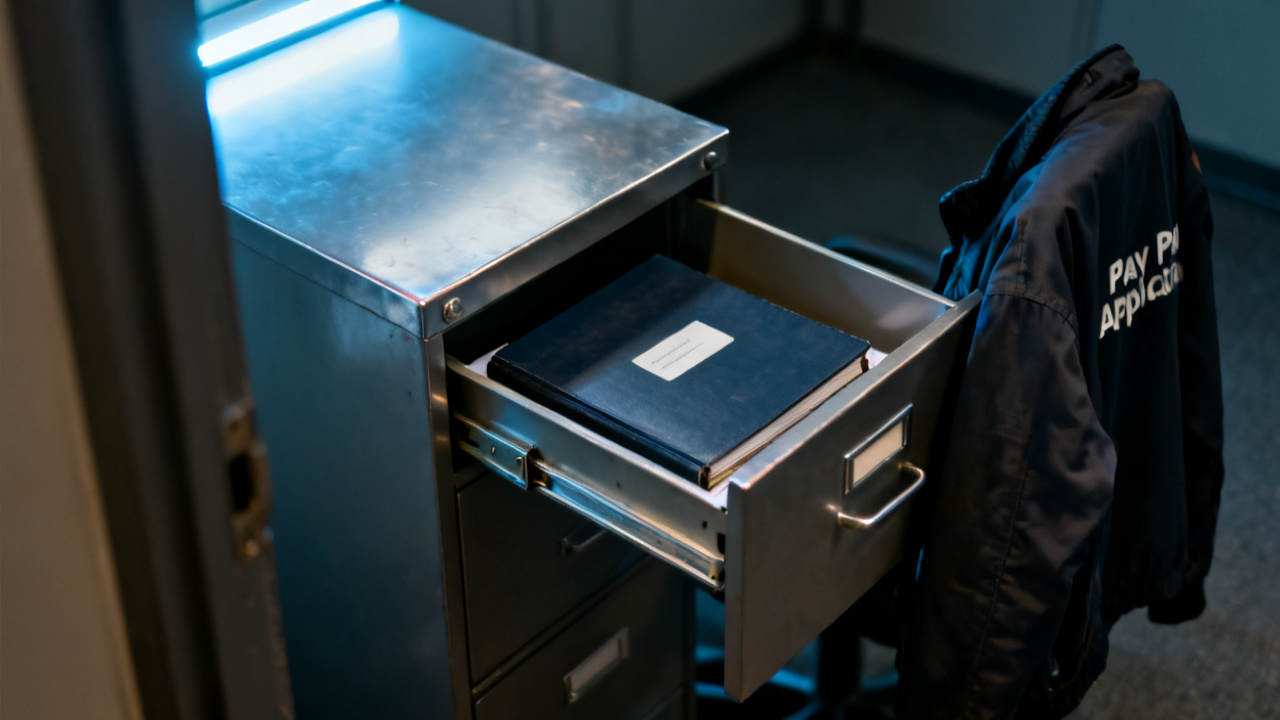
When you stand up from your desk right now, you tuck this document into the front of your project-specific accordion file, the section marked “pending draw exceptions” that sits on the top shelf of your site office filing cabinet, so you can easily locate it when you need it next. Next time you pull this document from your site office file drawer, you will be sitting down with the project manager to walk through the discrepancy, so you bring a printed copy of your signed subcontract retainage clause and your pay application history for the full project to that meeting.
You will point to the handwritten exception line first, then walk through the comparison table you mapped out to show the mismatch between the per-period retainage you expect to be held and the total amount listed as an exception on this form. You will ask for clarification on why the full retainage total is listed as an exception on a draw that did not include a request for any retainage release, and you will take notes directly in the margins of this document to record the project manager’s explanation, whether that is a simple administrative error from the payroll team or a new adjustment to the project’s retainage schedule that requires a formal change order.
You will also add a dated signature to the margin next to your notes, and ask the project manager to add their signature next to any adjustments or explanations they provide, so you have a clear paper trail of the conversation tied directly to this original exception document. If the entry is confirmed to be an administrative error, you will attach a copy of the meeting notes to this document before filing it back in the pending section until you receive the revised pay approval that removes the incorrect exception line. If the entry is tied to a proposed change to the retainage terms, you will keep this document on the top of your desk until you receive the formal change order request to review, sign, and return before any adjustments to your payment terms go into effect. You will not file this document away with closed pay records until you have written confirmation that the exception has been resolved, either by removing it from the current draw approval or adjusting the terms to match a formal, signed change to your subcontract. Any future correspondence related to this exception will be clipped to the back of this page, so you have a single, centralized record of all steps taken to address the entry.